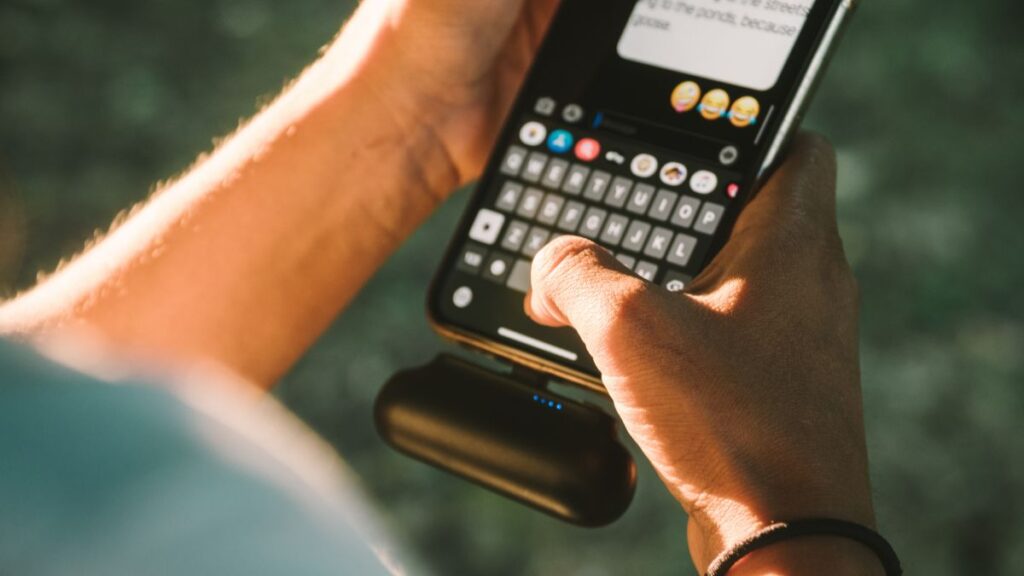
Screens draw us in, chipping away our energy with every hour. Sneaky side effects set in, but you can reduce screen fatigue easily—even on busy days.
Unaddressed screen fatigue chips away at focus, mood, and health. Leaving eyes glued without pause risks headaches, dry eyes, and tension that lingers after shutting down.
Ready to make your work hours more comfortable? Dive into proven routines, actionable checklists, and clear tips designed to help you reduce screen fatigue and feel your best all week.
Establish a Quick Micro Break Habit—The Foundation for Relief
Establishing a micro break habit delivers fast relief you can feel. These simple resets help you reduce screen fatigue on any workday, no extras required.
Begin with five deep breaths, shifting your gaze to something ten feet away. Whisper, “Refreshing break,” as a signal. Repeat this script once every 30 minutes to maintain clarity.
Building Consistency With Visual Cues
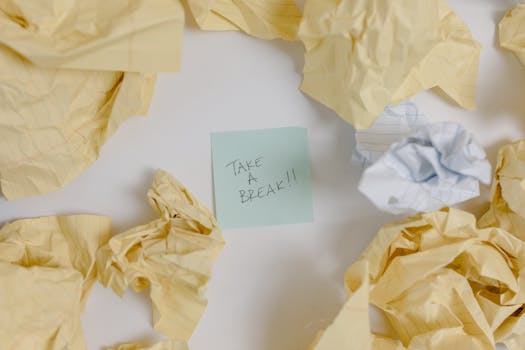
Placing a sticky note on your monitor triggers a mental reminder: “Pause and breathe.” Each time you spot the note, stretch your neck and roll your shoulders.
Try changing your phone’s lock screen to read, “Micro break now.” Every unlock moment is your cue to look up and blink slowly five times.
Analogies help: Think of micro breaks as blinking traffic signals—short stops that keep your focus from speeding off the rails. Use an alarm if you lose track, but make it subtle.
Integrating Active Movements
Stretch your hands overhead and shake out your wrists for 20 seconds. Count out loud for accountability: “One, two…” makes the action real and breaks up your screen pattern.
Stand up and walk a ten-foot loop around your chair. Say, “Just a lap,” to cue your body for movement, not marathon pacing. Reset your posture after each lap.
A gentle calf raise set (rising on your toes ten times) pumps blood flow and gives your eyes a moment off the screen. Pair these with deep breaths for better effect.
| Break Type | Timing Suggestion | Main Benefit | Takeaway Action |
|---|---|---|---|
| Eye Rolling | Every 30 minutes | Reduces eye strain | Circle eyes gently clockwise three times, then counterclockwise |
| Neck Stretch | Hourly | Relieves neck tension | Tilt head left and right, hold for five seconds per side |
| Stand & Walk | Every 45 minutes | Boosts movement, resets posture | Do one lap around your space, then reset at your desk |
| Shoulder Rolls | Every hour | Eases upper back tightness | Roll shoulders forward then back, five times each |
| Hand Shake-out | Every 25 minutes | Increases circulation | Hold hands out, shake for ten seconds, relax |
Use Focused Micro Rest for Specific Eye Relief
Short, structured micro rests deliver targeted comfort for tired eyes. Regularly using these methods will reduce screen fatigue and support lasting visual health.
Staring at a fixed spot leads to dryness and fatigue. These next steps make eye comfort part of every work session, reducing the toll of long hours.
Switching Gaze—Rule of 20-20-20
Every 20 minutes, pause, and focus on an object at least 20 feet away for 20 seconds. Silently count to stay present, preventing skipped steps.
Blink intentionally as you switch gaze. Repeating “blink, relax, recover” keeps the action natural and resets your micro break rhythm for genuine relief.
- Shift gaze every 20 minutes; it reduces screen fatigue and shields from dryness by giving your eye muscles downtime.
- Rest palms gently over closed eyelids; this darkness eases strain and invites automatic relaxation in under a minute.
- Glance at a plant or distant window; green hues promote natural focus resets and offer subtle visual variety your brain appreciates.
- Alternate between open and closed eyes for five slow cycles. This pattern encourages tears and keeps your vision sharp for digital tasks.
- Adjust monitor height to eye level to support posture and reduce unnecessary head movement, minimizing tension build-up as you refresh your gaze.
Use these steps every hour—stack several for a quick full reset. Say “my eyes need a pause” as a prompt during intense periods.
Selecting Lighting That Supports Micro Breaks
Reduce glare by turning your monitor slightly or angling blinds away from your face. Less glare helps you reduce screen fatigue and keeps squinting at bay.
If your lamp casts harsh shadows, aim for soft, indirect light instead. Position the light behind your monitor to balance the scene and foster natural eye rest.
- Reposition lamps to bounce light off a wall; this softer backdrop stops jarring shadows and supports gentle eye adjustment between breaks.
- Lower monitor brightness versus the room’s ambient light to end the strain of light imbalance. Check brightness after each break for consistency.
- Choose warm-colored bulbs to keep the tone relaxing. Cool tones energize but may increase strain with extended use.
- Install a small desktop plant to help your eyes track gentle focal shifts every break. Glancing at leaves or stems refreshes your attention gently.
- Use a manual shade or curtain for flexible control during sunny hours. Flexible light lets you adapt breaks to real conditions entirely on your terms.
Before returning to work, recite “back to full focus” to anchor your mind after each lighting check or break adjustment. Small cues keep your reset routine in motion.
Add Movement Breaks for Comfort and Energy
Movement integrated into regular work hours counteracts the stiffness and tension that long screen sessions cause, supporting you as you reduce screen fatigue again and again.
Pairing movement with micro breaks prevents the heavy feeling that builds with each hour at your desk. Actual examples make it easy to adopt these as habits.
Tension-Relief Sequence at Your Desk
Shrug your shoulders high, then drop them, repeating the motion while saying “loosen up.” This simple cue delivers both relief and attention anchoring.
Tap your feet on the floor for ten seconds, then pause and flex your toes upward. Movement below the desk counts as real rest for the lower body.
Reach forward as if grabbing an imaginary item. Hold the stretch. Say “grab the break,” linking physical motion and habit-building words for memory and motivation.
Lunch Micro Break Scenario
At lunchtime, stand and stretch arms overhead before picking up your meal. Say, “Break before bite,” triggering the break routine and separating eating from screen time.
Take three slow breaths and notice any tension around your eyes and forehead. Say, “Release and refresh,” resetting both muscles and mindset mid-day.
Imagine you forget the break. Imagine catching yourself mid-scroll and gently closing your eyes, then smiling in relief. Next lunchtime, you’ll likely repeat the reset.
Create an End-of-Day Reset for Recovery
End-of-day micro routines reduce screen fatigue by clearing out tension and cueing your body to wind down. Routines work best with repetition and clear starting lines.
Decide on a single step: “Close laptop, lower shoulders, deep breath,” then walk away for at least two minutes. Repeat each afternoon for a stronger break habit.
Mini Checklist for Evening Comfort
Place your phone upside down, dim your main light, then stand up and stretch for fifteen seconds. All three actions signal to your body: transition has started.
Revisit the checklist verbally—“Phone down. Lights low. Stretch.” This spoken rule cements your micro break into the end of the day, making it nearly automatic by week’s end.
Observe your neck and hands for lingering tightness; gently massage or rotate both areas. Each touch acts as a small closure cue that readies your muscles for off-screen recovery.
Customize Breaks for Your Personal Preferences
Customizing your micro breaks makes them more enjoyable, sustainable, and effective. Personal preference boosts consistency, allowing you to reduce screen fatigue in a way that feels right.
Keep adjustments flexible—no schedule is perfect forever. Experiment with different cues, break durations, and movement types to find what truly restores your comfort.
Preference-Based Approaches in Action
If music energizes you, play a favorite short track at the start of each micro break and stand. Hum along; this engages both mind and body during the break reset.
Prefer quiet? Try guided breathing via a simple mantra, “Calm in, calm out,” syncing the phrase with air flow to mark the start and end of your micro break ritual.
For tactile learners, use a small stress ball or fidget object. Squeeze gently during breaks to shift focus away from the screen and into your hands for a full reset.
Refresh Your Workspace to Support Micro Breaks
A refreshed workspace reinforces micro break routines throughout the day. Each adjustment serves as a physical anchor, underscoring your plans to reduce screen fatigue methodically.
Clear clutter from your primary desk area so you can perform micro breaks without tripping over papers or tangled wires. This practical reset removes visual distraction and aids focus.
Environmental Adjustments
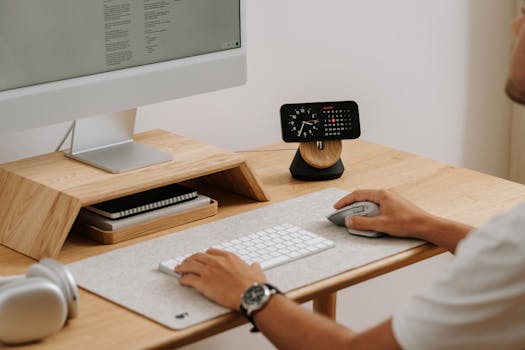
Elevate your monitor to eye level, so that every micro break starts and ends with minimal neck strain. Enter “level check” as part of your mid-morning ritual for posture alignment.
Rearrange your chair and workspace configuration twice a week. Each change prevents the physical monotony that builds tension, using variety to refresh both body and mind.
Keep a water bottle in view to cue hydration alongside each micro break. Sip water, then resume work, seamlessly combining two wellness habits with one visual anchor.
Concluding Steps for Sustainable Energy
Small, regular micro breaks empower sustainable energy and eye comfort—key pillars if you want to reduce screen fatigue and maintain effective digital routines day after day.
Bringing structured breaks into your day not only provides relief, but it actually transforms the work environment, turning routine moments into opportunities for true restoration.
With every practical strategy outlined, take action now: customize, experiment, and stay consistent. Informed micro breaks deliver big results. A refreshed, more energetic you awaits!